BookApp Staff Documentation
BookApp Staff is the Flutter staff-side application of the BookApp service booking ecosystem. It is built for service staff members who need to manage appointments, services, schedules, profile settings, plugin access, and operational tasks from a mobile app.
The app already includes API integration, role-aware navigation, multilingual support, Arabic RTL handling, theme switching, persistent language selection, cached translations, and feature-first module organization.
Core capabilities
- Staff authentication and persisted session handling.
- Dashboard with business summary and recent appointments.
- Appointment management for all, pending, accepted, and rejected bookings.
- Service management including add, edit, delete, image upload, and localized content.
- Weekly schedule and day time-slot management.
- Service inquiry handling and plugin access.
- Edit profile, change password, dark mode, language switching, and RTL support.
Technology summary
- Flutter with Provider-based state management.
- Dio for API requests and centralized networking.
- SharedPreferences for persisted language and translation cache.
- Flutter Quill for rich text service descriptions.
- File/image pickers and map/location packages for service editing workflows.
Project Structure
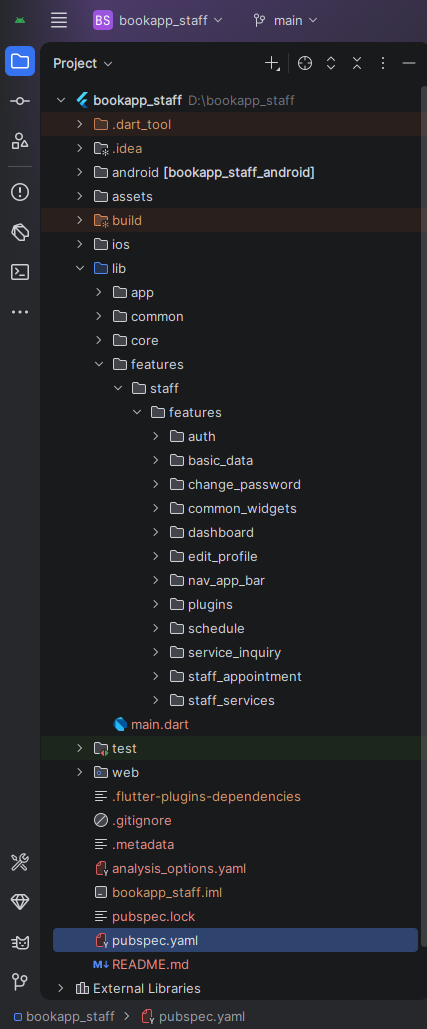
The staff app follows a feature-first structure. Most business logic and UI work happens under
lib/features/staff/features, while shared app-wide behavior lives in lib/app and
lib/core.
lib
├── app
│   ├── app.dart
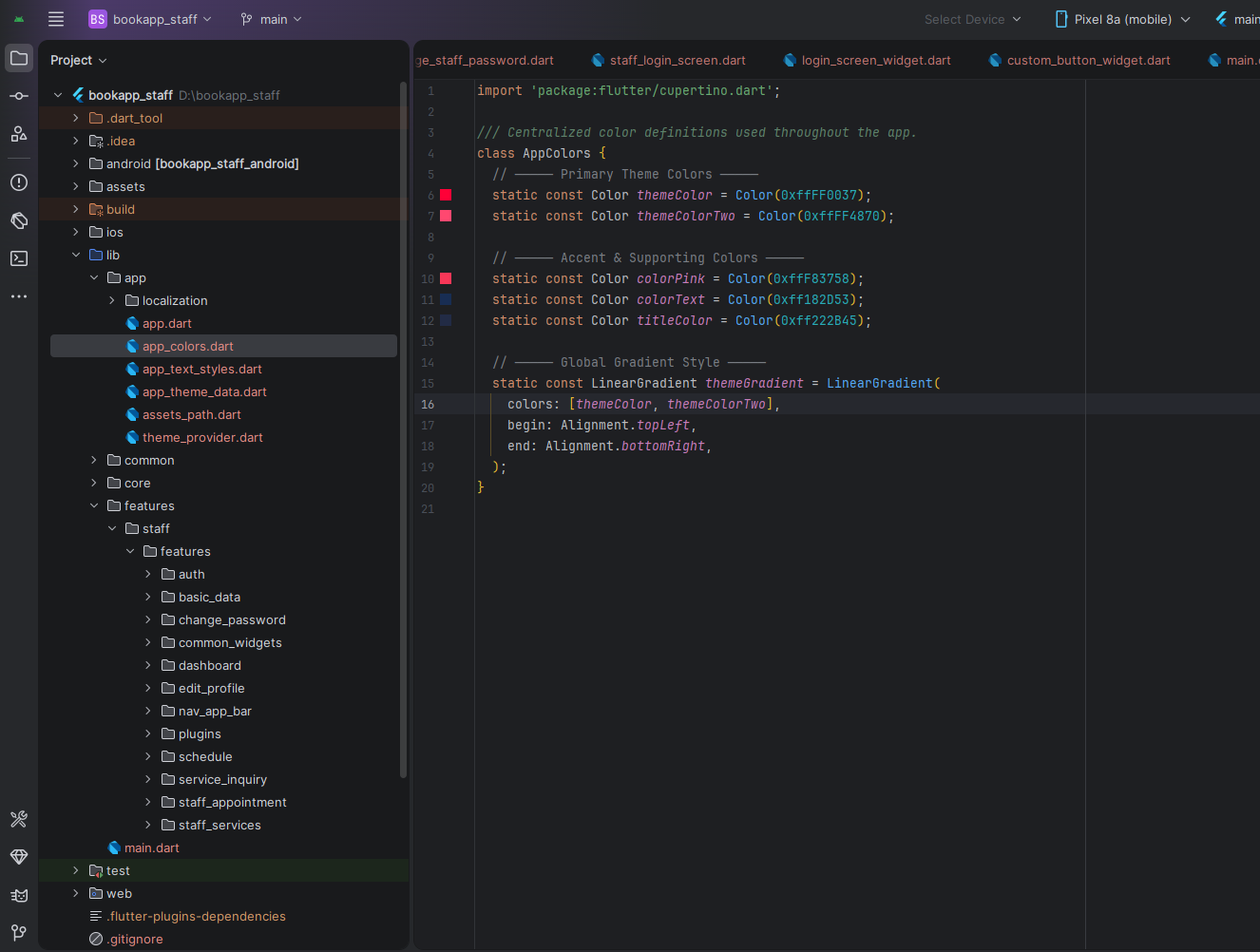
│   ├── app_colors.dart
│   ├── app_text_styles.dart
│   ├── app_theme_data.dart
│   ├── assets_path.dart
│   ├── localization/
│   └── theme_provider.dart
├── core
│   ├── constants/
│   └── network/
├── common/
└── features/
    └── staff/
        └── features/
            ├── auth/
            ├── basic_data/
            ├── change_password/
            ├── common_widgets/
            ├── dashboard/
            ├── edit_profile/
            ├── nav_app_bar/
            ├── plugins/
            ├── schedule/
            ├── service_inquiry/
            ├── staff_appointment/
            └── staff_services/
Staff Modules
Authentication
Handles login flow and session-aware app startup.
Basic Data
Manages selected language, locale, RTL direction, persisted language code, and startup initialization before app render.
Dashboard
Shows greeting text, summary cards, monthly data, recent appointments, and appointment details dialog.
Staff Appointment
Contains all appointment listing screens, status-specific tabs, details view, translated status chips, and appointment search.
Staff Services
Contains all services listing, add service, edit service, media upload, price/person controls, localized service content, and validation.
Schedule
Manages weekly schedule days, weekend toggles, day-level time slots, add/edit/delete slot actions, and day details.
Service Inquiry
Shows customer inquiries with search, detail viewing, and deletion flow.
Profile & Security
Includes edit profile, privacy fields, language-aware profile content, and password change screens.
Navigation & Plugins
The drawer and app bar centralize navigation, theme toggling, language selection, and plugin access.
Localization & Theme
BookApp Staff supports runtime translation loading and right-to-left rendering for Arabic. Language selection is persisted, and cached translation payloads are loaded at startup so the app can render translated UI immediately on next launch.
- Selected language and RTL direction are restored before
runApp. - Translation data is cached locally and preloaded at startup.
- String translation is performed through the shared translation extension.
- Arabic RTL support is applied across headers, dashboard, services, appointments, and schedule flows.
- Theme switching between light and dark is supported through the app theme provider.
Main Screens
Primary staff-side screens currently implemented
- Splash and staff login
- Staff dashboard
- All appointments
- Pending appointments
- Accepted appointments
- Rejected appointments
- Appointment details
- All services
- Add service
- Edit service
- Schedule overview
- Day time slots
- Service inquiry
- Plugins
- Edit profile
- Change password
The navigation drawer exposes the main staff workflows and includes a translated logout confirmation dialog.
Requirements
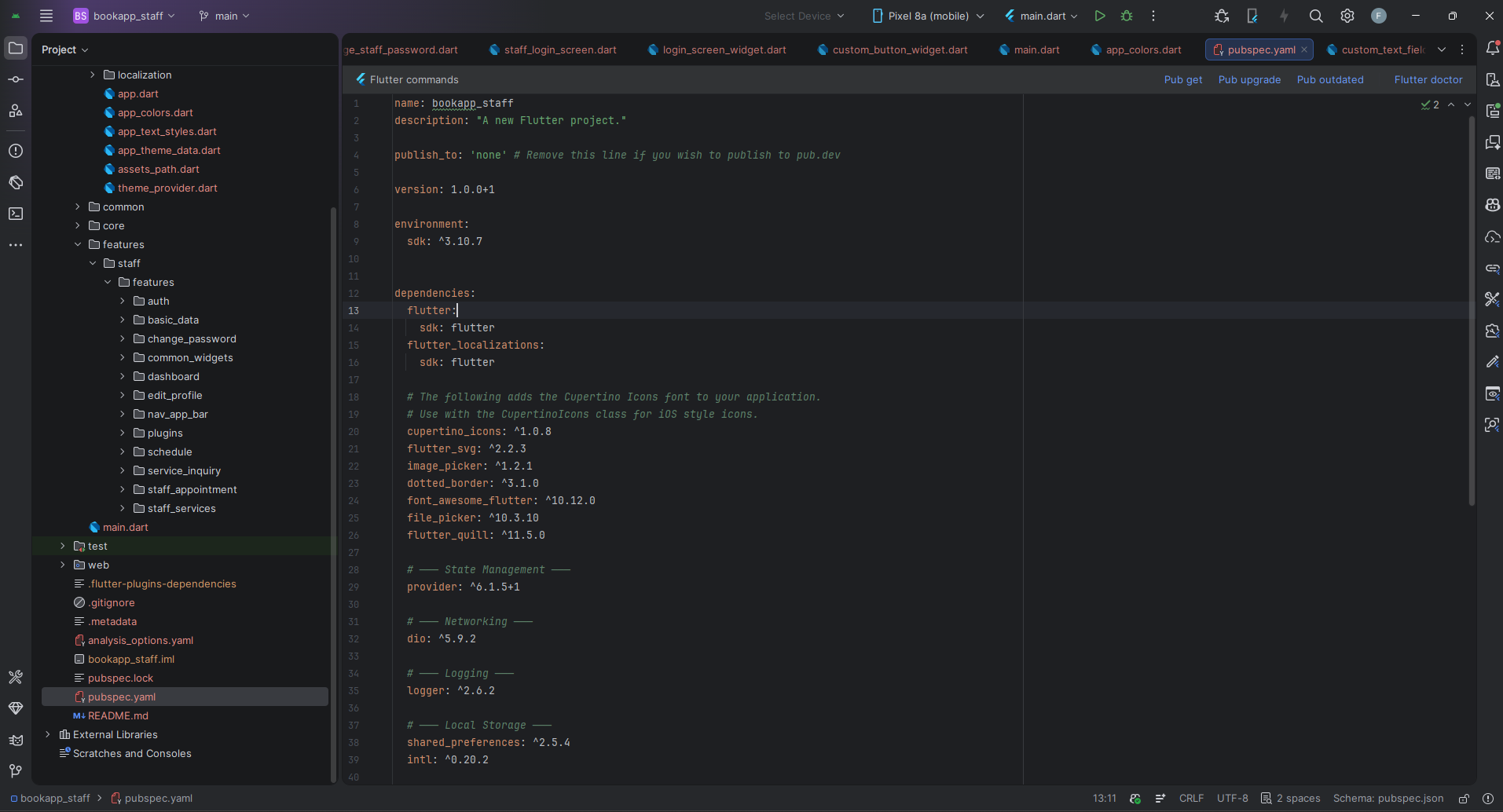
- Flutter SDK compatible with the project environment in
pubspec.yaml. - Dart SDK matching the Flutter version in use.
- Android Studio or VS Code with Flutter and Dart plugins installed.
- Android emulator or a real Android/iOS device for testing.
- Working backend/API base URL for BookApp staff endpoints.
Setup Application
- Open the
bookapp_staffproject in your IDE. - Run
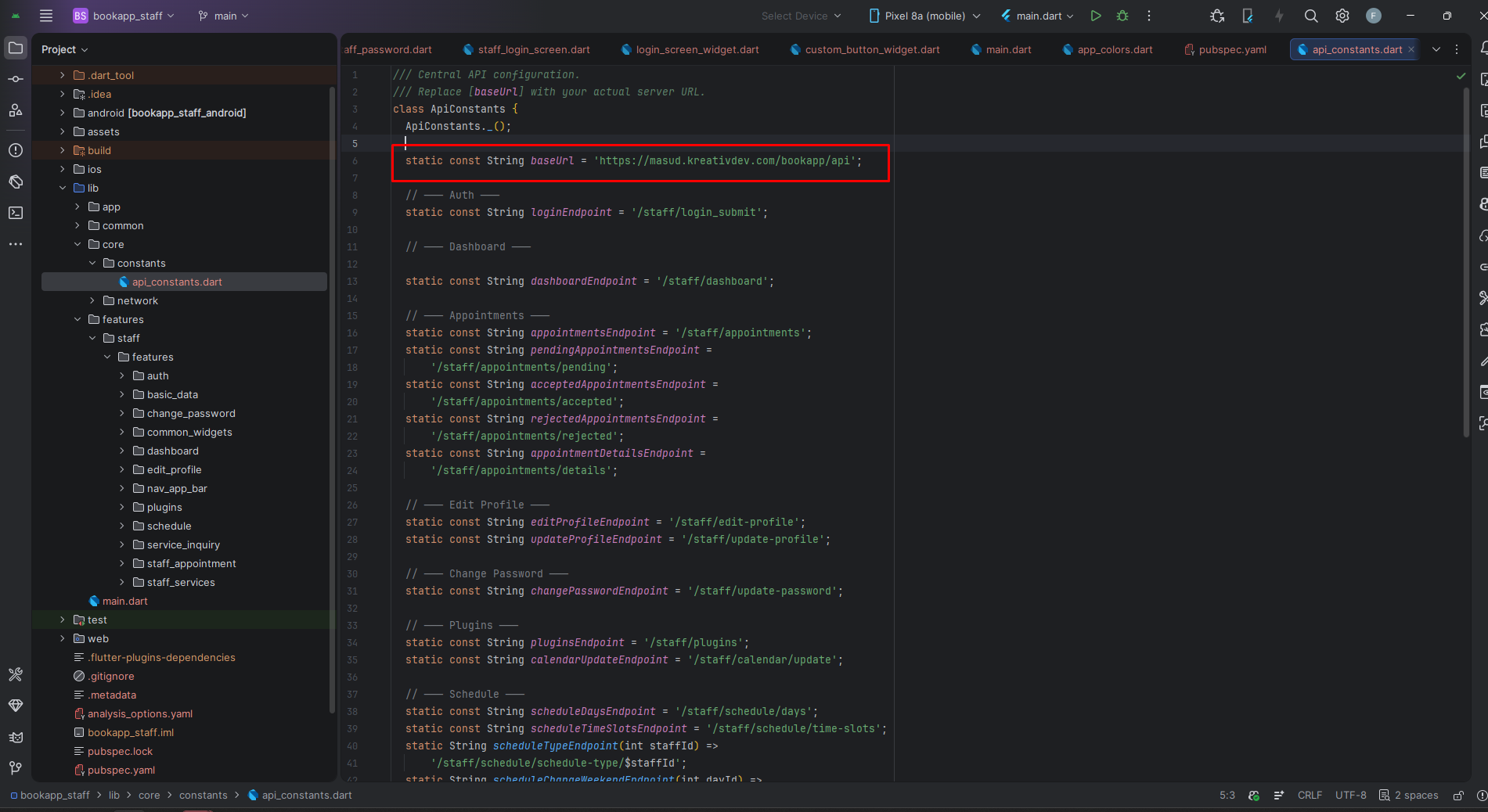
flutter pub get. - Verify API constants and base URL in the core networking layer.
- Check assets under
assets/images/. - Ensure your backend provides language payloads and staff module APIs.
API & Configuration
The app uses centralized networking under lib/core/network and endpoint constants under
lib/core/constants.
- Authentication: login, session state, logout.
- Appointments: list, filtered statuses, details.
- Services: create, update, delete, image handling, localized content.
- Schedule: days, weekend toggle, time slots, schedule type selection.
- Localization: translation endpoint by language code with local cache.
Admin-managed configuration such as logos, colors, and mobile settings can also affect runtime presentation, depending on backend payloads used by this app family.
Build & Run
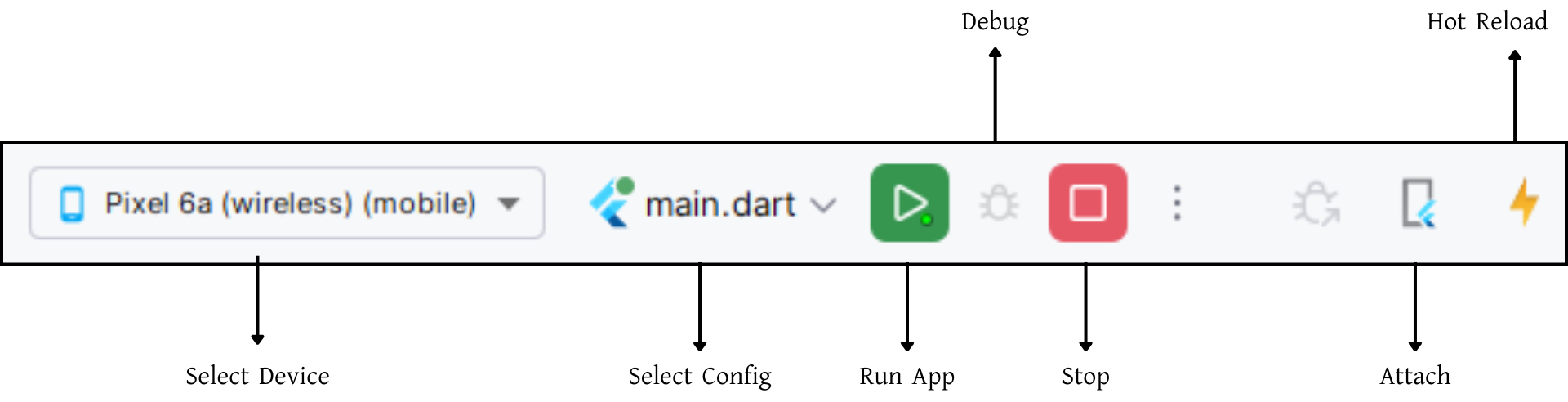
Use the standard Flutter workflow:
For release builds:
Recent App Updates Reflected In This Documentation
- Startup language and RTL initialization now happens before the first frame.
- Translation payloads are cached and reloaded on next app open.
- Dashboard appointment cards and details were updated for proper translation coverage.
- Service add/edit flows were updated for broader UI translation support.
- Schedule overview and time-slot pages now use translated labels and helper text.
- Staff drawer logout now uses a translated confirmation dialog.
Support
For support, customization, or queries, contact us via email.